
What to Do If You Lose Your Nusuk Card for Hajj?

Key Takeaways
- Keep your digital Nusuk card active on the Nusuk or Tawakkalna app before traveling.
- Tell your group leader immediately to start the physical replacement process.
- Call 1966 or visit a Nusuk Care center for direct help with lost or damaged cards.
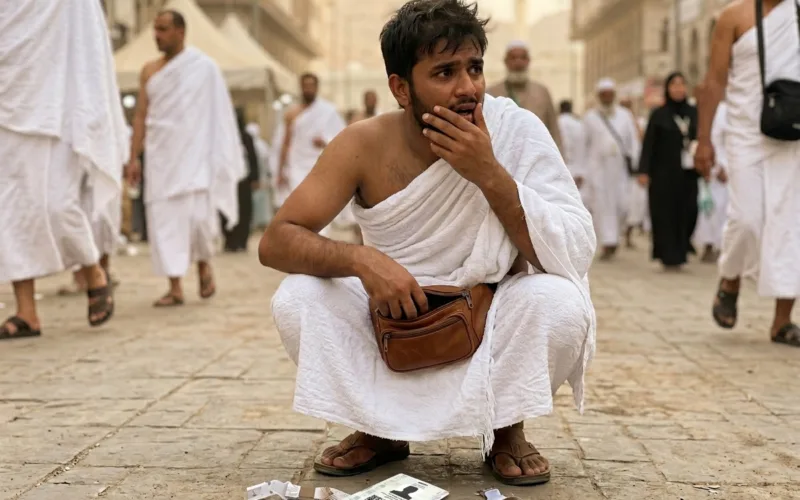
Losing your Hajj Nusuk card creates a temporary gap in your access. Saudi authorities provide clear steps to handle missing or broken cards quickly.
Activate and Use the Digital Version
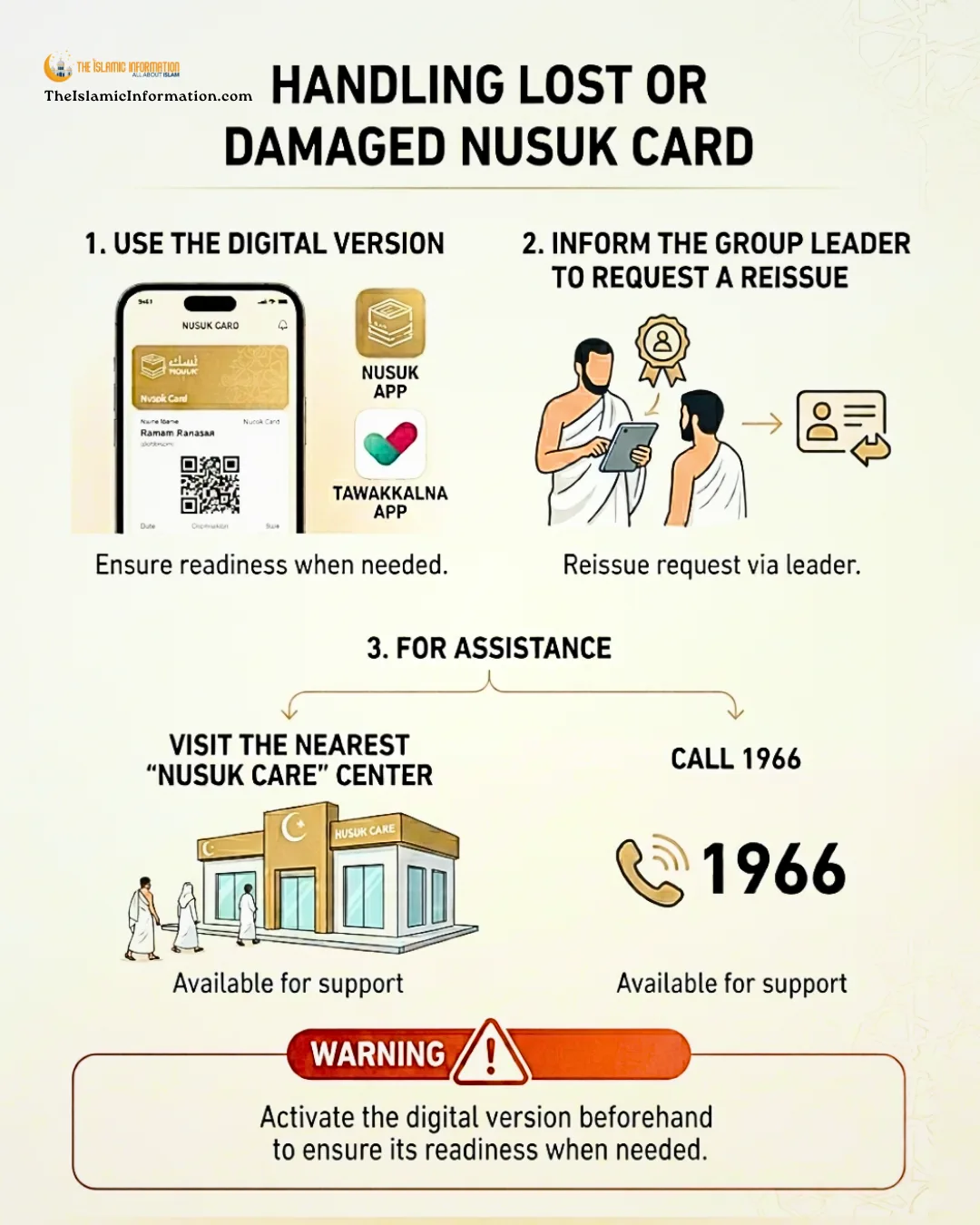
The fastest way to maintain access is the digital Nusuk card. Open the Nusuk App or Tawakkalna App on your smartphone. Your digital ID displays the same barcode and personal details as the physical card.
Officials scan the digital version at checkpoints, transport hubs, and accommodation entries. This option works immediately and requires no waiting period.
Request a Replacement Through Your Group Leader
Physical cards follow a strict replacement procedure. Notify your group leader as soon as you notice the loss or damage. Your leader submits a formal reissue request to the relevant authorities.
They track the application status and provide you with updates. Only your assigned leader can submit the correct paperwork for a new physical card.
Contact Support or Visit a Care Center
You can receive direct help from official support channels. Call 1966 from any local or international line to speak with trained staff who check your status and explain next steps. You can also walk into the nearest Nusuk Care center.
Staff at these locations verify your identity, handle damaged card cases, and issue replacement documents on site.
Prepare Before Travel
Activation must happen before you arrive in Saudi Arabia. Download both apps on a charged device and log in to verify your account. Turn on the digital card feature in your app settings and test the display.
Sharing your emergency contact details with your group leader prevents delays. A ready digital pass ensures smooth movement if your physical card goes missing.


 WhatsApp Channel
 ChatGPT
 Instagram
 Facebook
 X (Twitter)
 Claude
 Ask Gemini AI
 Ask Grok AI
Support the officially authentic Islamic website.
Support our mission to spread Islamic knowledge. Your donation helps our volunteer writers and infrastructure. Contribute now.

