

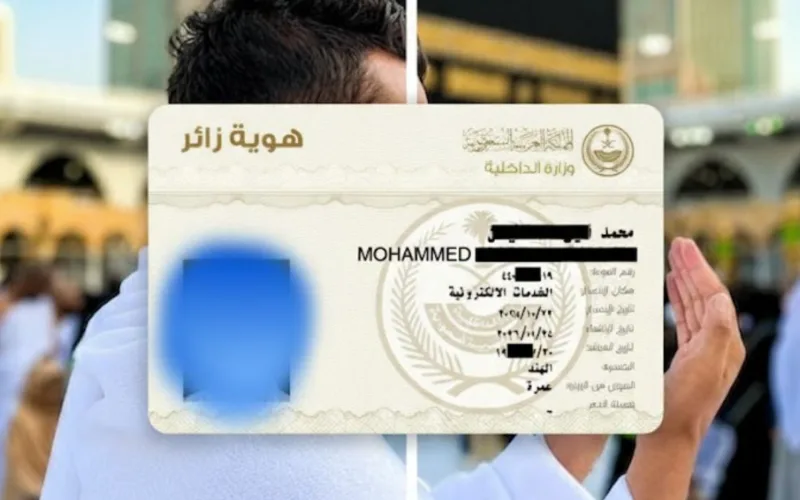
Umrah visitors to Saudi Arabia can now use a Digital Visitor ID instead of carrying their passport.
The digital card contains personal and visa information and is accepted throughout the kingdom.
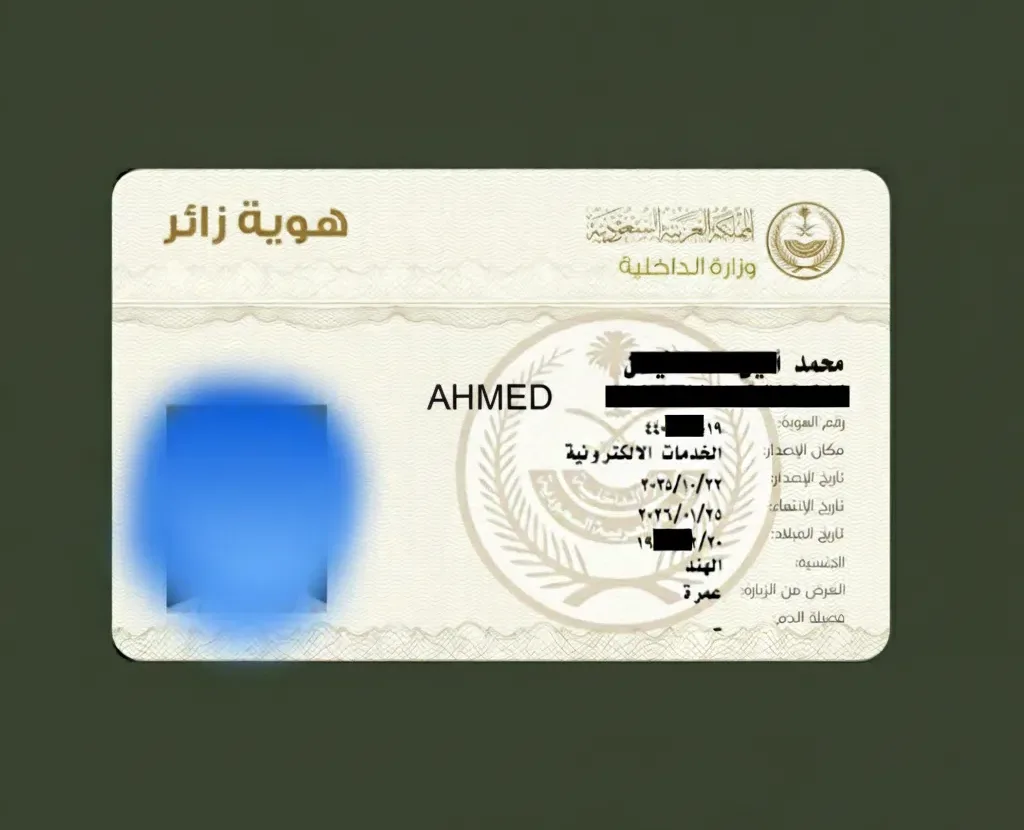
What’s in the Digital Visitor ID?
- Visa type
- Full name in Arabic and English
- Age
- Personal photo
- Border number
- Visa issue and expiry dates
- Nationality
You can get your Digital Visitor ID through Nusuk (Android or iOS) or Absher (Android or iOS).
Steps to Get Your Digital Visitor ID
Time needed: 10 minutes
- Download the Nusuk or app from the App Store or Google Play.
- Open the app and select Sign in using username, then choose Sign Up.
- Choose account type – Select Visitor/Gulf.
- Enter passport details – Choose Passport, enter your passport number, nationality, and date of birth.
- Enter mobile number – Add your number, check the agreement box, and tap Next.
- Set a password – Create and confirm your password.
- Complete face verification – Follow the instructions for face scanning, then tap Activate.
How to View Your Digital ID
- Go to your profile in the Nusuk app
- Tap on Cards
- Select Digital Visitor ID
- Your ID will appear with a QR code for verification
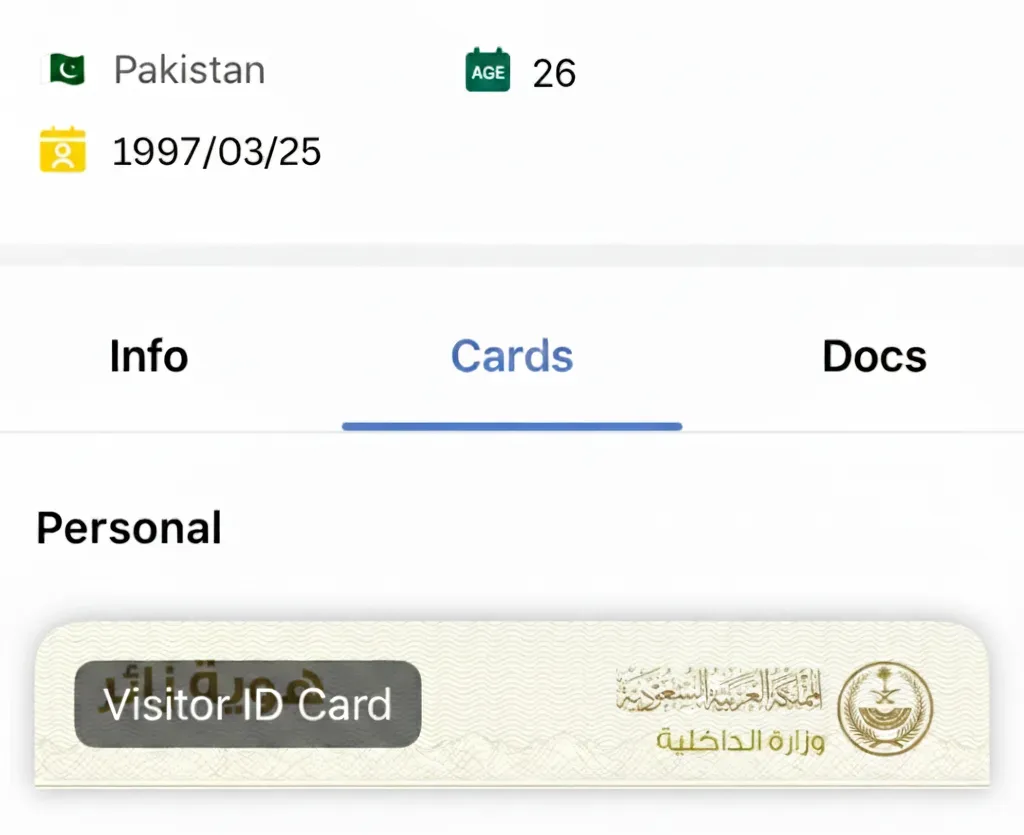
This digital ID is officially recognized throughout Saudi Arabia and allows you to move safely without carrying your passport.


 WhatsApp Channel
 ChatGPT
 Instagram
 Facebook
 X (Twitter)
 Perplexity
 Ask Gemini AI
 Ask Grok AI
Support the officially authentic Islamic website.
Support our mission to spread Islamic knowledge. Your donation helps our volunteer writers and infrastructure. Contribute now.

